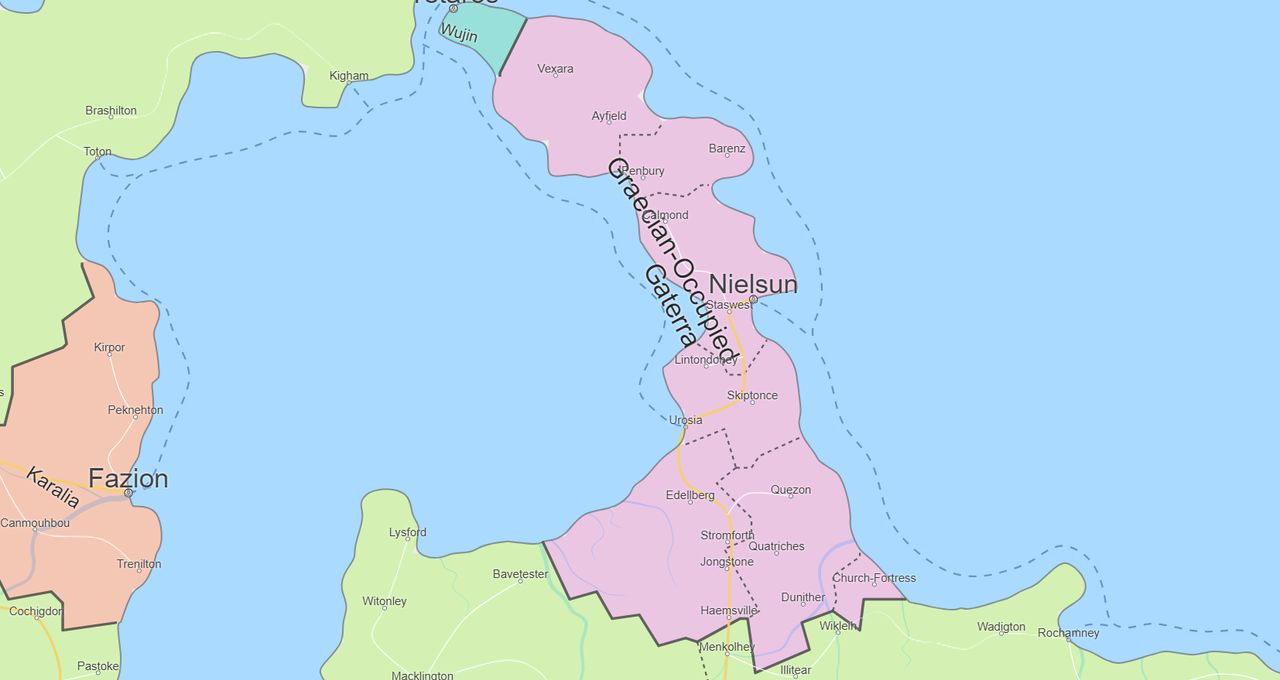
Resolved Story Map

Discount_Blade

Sent Here To Piss You All Off
Joined
Jul 2, 2019
Messages
1,347
Points
153
I can't seem to insert a story map from a image hosting site into the glossary and I don't know of any other way of doing it as just directly copy and pasting it makes it larger than the apparent limitation also according to the glossary section
 

Draculus-del-Viafat

Well-known member
Joined
Jul 27, 2020
Messages
162
Points
58
Maybe you should try this: go to ibb.co and choose your photo, then choose a straight link to the image page, open it in a new tab, then click on the image with the right mouse button, copy its url, and paste it into the url line in glossary image attachement. I don't know, but with my glossary it worked well.
 

Tony

Moderator
Staff member
Joined
Dec 21, 2018
Messages
749
Points
133
I can't seem to insert a story map from a image hosting site into the glossary and I don't know of any other way of doing it as just directly copy and pasting it makes it larger than the apparent limitation also according to the glossary section

Please try inserting an image this way:
Untitled-4.jpg
 

Tony

Moderator
Staff member
Joined
Dec 21, 2018
Messages
749
Points
133
I know that. Doesn't work. That was what I tried first.

It sounds like you're not copying the correct image link. Can I get the link you're trying to copy? It shouldn't be a code but a direct link to the image.
 

Discount_Blade

Sent Here To Piss You All Off
Joined
Jul 2, 2019
Messages
1,347
Points
153
You have to insert a link that ends with PNG, or JPG, or anything else. Try inserting this https://i.postimg.cc/q7cN53Df/Gaterra.png instead of what you tried before. I don't know, maybe I'm late for giving advice.
Yep I figured it out already. Thanks though. I used your previous advice where you said I had to open the link on a new tab. I used that tab link rather than the original link and it worked. Not sure what the difference is but oh well. It worked. Thanks!
 

Draculus-del-Viafat

Well-known member
Joined
Jul 27, 2020
Messages
162
Points
58
Yep I figured it out already. Thanks though. I used your previous advice where you said I had to open the link on a new tab. I used that tab link rather than the original link and it worked. Not sure what the difference is but oh well. It worked. Thanks!
Glad to be helpful. I think the matter is that the site can't figure out what you want from it when instead of inserting an image link you give it a page with image link ?‍♂️
 
Top